Next.js 16 & React 19 AI Streaming Architecture
Streaming responses and generative UI have shifted from experimental prototypes to mandatory standards in production fullstack engineering. Users expect real-time token rendering, optimistic feedback, and dynamic interactive widgets rather than blocking loaders and flat markdown blobs.
By combining Next.js 16 App Router, React 19 Server Actions, and Vercel AI SDK 4.0, you can stream token-by-token text and server-rendered React components over a single HTTP connection.
useMemo and useCallback boilerplate across streaming UI trees via the React Compiler while providing native async transitions with useActionState.1. Streaming Architecture: Server-Sent Events (SSE)
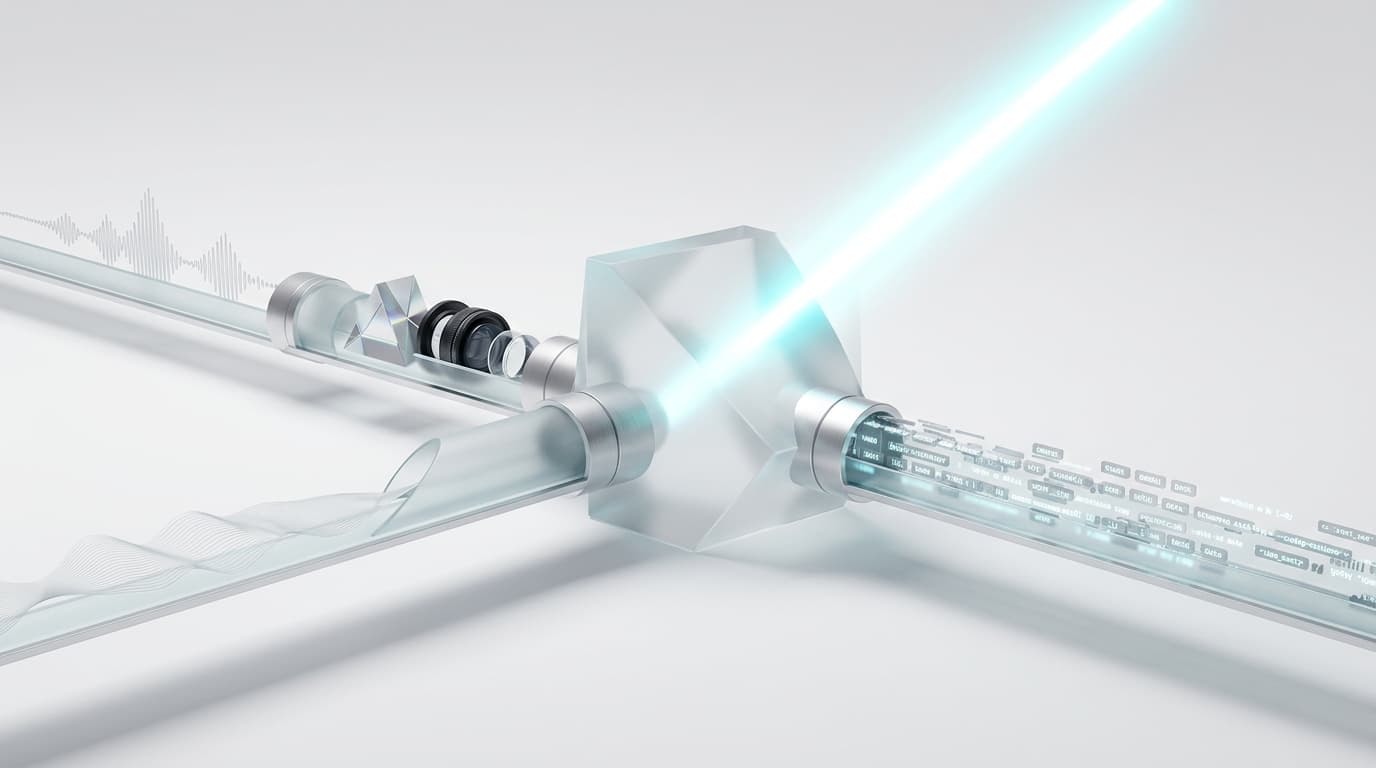
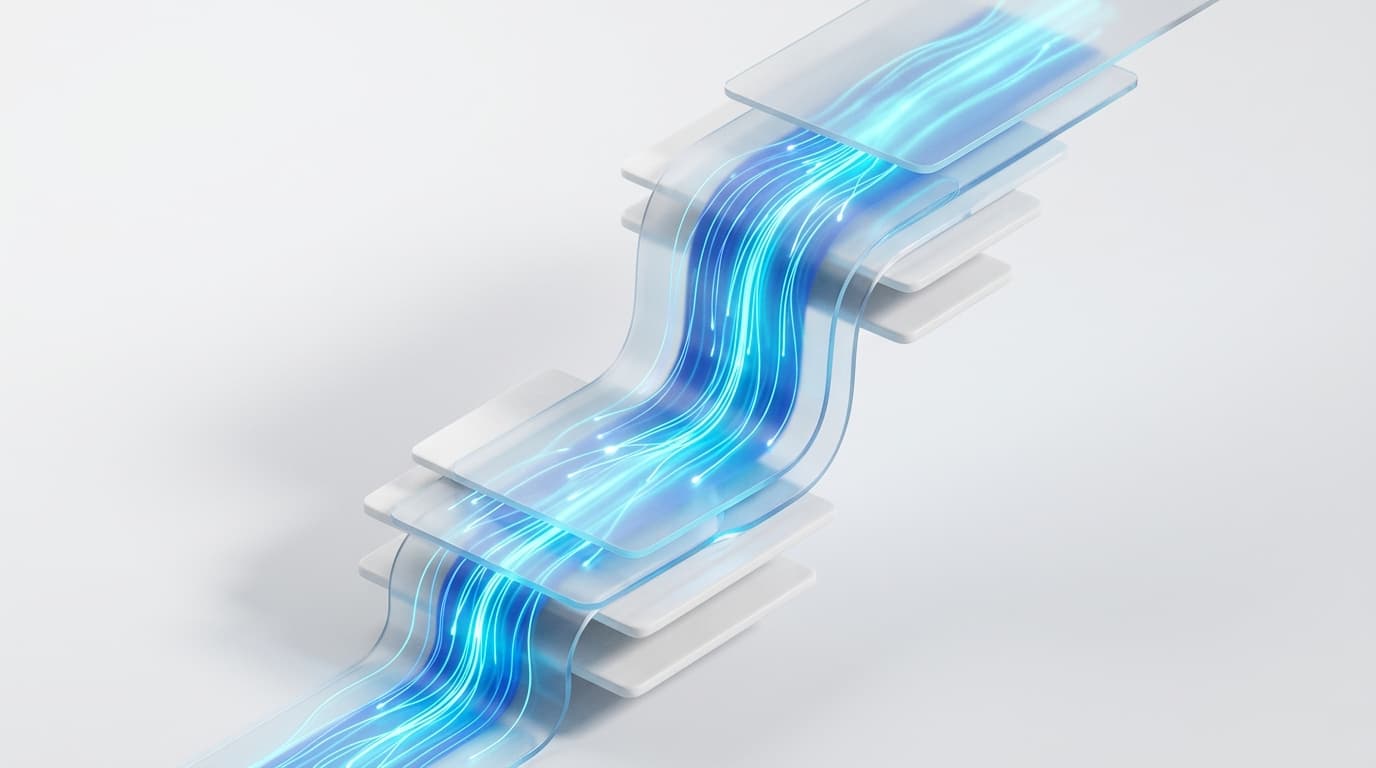
Instead of buffering the entire LLM generation on the server, Next.js 16 streams text chunks and structured component payloads directly over HTTP/2 using Server-Sent Events.
2. Setting Up Next.js 16 Edge Route Handlers
Next.js 16 provides low-latency streaming endpoints at the network edge. Below is an optimized Route Handler:
// app/api/chat/route.ts
import { openai } from "@ai-sdk/openai";
import { streamText } from "ai";

export const runtime = "edge";
export const maxDuration = 30;

export async function POST(req: Request) {
  const { messages } = await req.json();

  const result = streamText({
    model: openai("gpt-4o-mini"),
    system: "You are a senior fullstack engineering consultant. Provide direct, typed solutions.",
    messages,
    temperature: 0.2,
  });

  return result.toDataStreamResponse();
}
3. Building the Streaming Client with React 19
The client component coordinates optimistic message updates, loading transitions, and form submissions:
"use client";

import { useChat } from "ai/react";
import { useTransition } from "react";

export default function StreamingChatInterface() {
  const { messages, input, handleInputChange, handleSubmit, isLoading } = useChat({
    api: "/api/chat",
  });
  const [isPending, startTransition] = useTransition();

  return (
    <div className="flex flex-col h-screen max-w-4xl mx-auto p-6 space-y-4">
      <header className="border-b border-slate-800 pb-4">
        <h1 className="text-xl font-semibold text-slate-100">AI Streaming Console</h1>
        <p className="text-xs text-slate-400">Next.js 16 & React 19 Edge Streaming</p>
      </header>

      {/* Message Feed */}
      <div className="flex-1 overflow-y-auto space-y-4 pr-2">
        {messages.map((message) => (
          <div
            key={message.id}
            className={`p-4 rounded-lg text-sm leading-relaxed ${
              message.role === "user"
                ? "bg-blue-600/20 border border-blue-500/30 text-blue-100 self-end ml-12"
                : "bg-slate-900 border border-slate-800 text-slate-200 mr-12"
            }`}
          >
            <span className="font-mono text-xs text-slate-500 block mb-1">
              {message.role === "user" ? "USER" : "ASSISTANT"}
            </span>
            <div className="whitespace-pre-wrap">{message.content}</div>
          </div>
        ))}
        {isLoading && (
          <div className="p-3 text-xs text-emerald-400 animate-pulse font-mono">
            Receiving stream tokens...
          </div>
        )}
      </div>

      {/* Action Input Bar */}
      <form
        onSubmit={(e) => {
          e.preventDefault();
          startTransition(() => {
            handleSubmit(e);
          });
        }}
        className="flex space-x-2 pt-2"
      >
        <input
          value={input}
          onChange={handleInputChange}
          placeholder="Ask an architecture question..."
          className="flex-1 bg-slate-900 border border-slate-800 rounded-md px-4 py-2 text-sm text-slate-100 focus:outline-none focus:border-blue-500"
        />
        <button
          type="submit"
          disabled={isLoading || isPending}
          className="bg-blue-600 hover:bg-blue-500 disabled:opacity-50 text-white font-medium text-sm px-5 py-2 rounded-md transition-colors"
        >
          Send
        </button>
      </form>
    </div>
  );
}
4. Generative UI: Streaming React Components from Server Actions
With Vercel AI SDK 4.0, Server Actions can yield real, interactive React components directly into the client conversation stream based on model tool invocations:
// app/actions/streamUI.tsx
"use server";

import { createStreamableUI } from "ai/rsc";
import { openai } from "@ai-sdk/openai";
import { generateText } from "ai";
import { z } from "zod";

export async function submitUserMessage(prompt: string) {
  const ui = createStreamableUI(
    <div className="p-3 rounded bg-slate-900 text-slate-400 text-xs animate-pulse">
      Analyzing query and selecting tools...
    </div>
  );

  (async () => {
    try {
      await generateText({
        model: openai("gpt-4o-mini"),
        prompt,
        tools: {
          fetchServerMetrics: {
            description: "Fetches live CPU and memory telemetry for a node.",
            parameters: z.object({ nodeId: z.string() }),
            execute: async ({ nodeId }) => {
              ui.update(
                <div className="p-4 bg-slate-900 border border-emerald-500/30 rounded-lg my-2">
                  <div className="flex items-center justify-between mb-2">
                    <span className="font-mono text-xs text-emerald-400">Node: {nodeId}</span>
                    <span className="px-2 py-0.5 bg-emerald-500/20 text-emerald-300 text-xs rounded">ONLINE</span>
                  </div>
                  <div className="grid grid-cols-2 gap-2 text-xs text-slate-300">
                    <div>CPU: 24.2%</div>
                    <div>Memory: 4.8 / 16 GB</div>
                  </div>
                </div>
              );
              return { status: "success", nodeId };
            },
          },
        },
      });
      ui.done();
    } catch (err) {
      ui.error(<div>Error rendering tool stream.</div>);
    }
  })();

  return { id: Date.now(), display: ui.value };
}
5. Architectural Comparison Matrix
| Feature | Next.js 14 / React 18 | Next.js 16 / React 19 |
|---|---|---|
| Component Optimization | Manual useMemo / useCallback | Automatic React Compiler Optimization |
| Streaming UI | Heavy client hydration bundles | Server Components + Suspense Boundaries |
| Data Mutation | Boilerplate API handlers | Native Async Server Actions |
| Generative UI | Markdown parsing hacks | First-Class Component Streaming (createStreamableUI) |
| Edge TTFB | ~150–300ms | Sub-50ms Global Edge Streaming |
Key Takeaways
- React Compiler Advantage: Automatic memoization drastically reduces render thrashing across streaming component trees.
- Server Action Streamability: Async Server Actions can yield both text chunks and typed React components directly over a single streaming connection.
- Progressive Enhancement: Using React 19's
useTransitionanduseActionStateensures forms maintain responsive UI states during active model generation.