Microsoft AutoGen 0.4+ Architecture Guide: Event-Driven Multi-Agent Systems
Microsoft's AutoGen was among the earliest frameworks to prove that conversational multi-agent dialogue could solve complex coding and reasoning challenges.
With AutoGen 0.4+, the framework underwent an architectural rewrite from legacy synchronous conversable chat loops to a fully asynchronous, event-driven Actor Model—enabling distributed agent messaging, strict message typing, and scalable group chats.
1. Core Architecture & Mental Model
AutoGen 0.4+ models agent systems using the Actor Model:
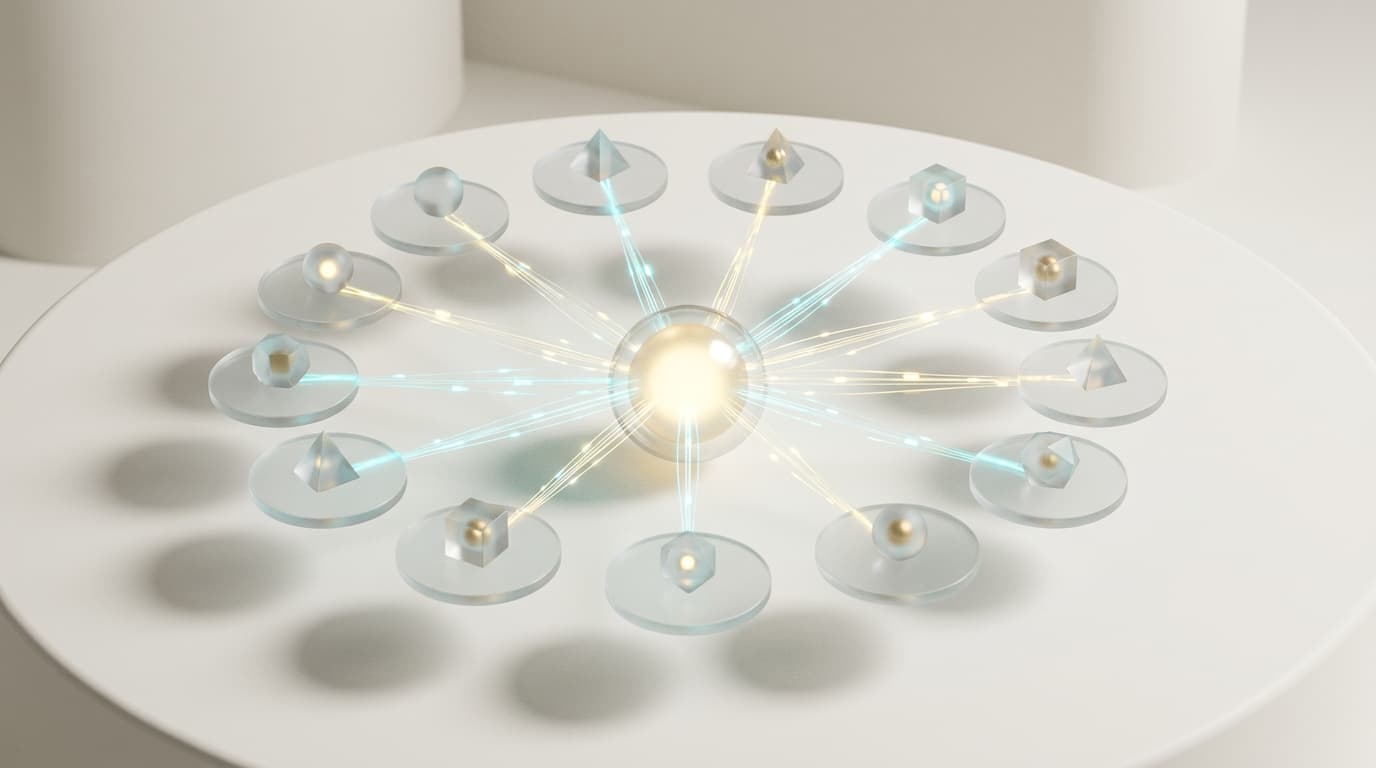
- 1Agents as Actors: Each agent is an isolated entity with its own internal state that communicates purely via asynchronous message passing.
- 2
AssistantAgent: An autonomous reasoning agent backed by an LLM client. - 3
UserProxyAgent: Acts as a proxy for human inputs or executes generated code in sandboxed Docker/local environments. - 4Group Chat Orchestrators (
RoundRobinGroupChat,SelectorGroupChat): Manages multi-agent speaking turns, consensus evaluation, and termination conditions.
2. Installation & Quick Setup
bash
pip install autogen-agentchat autogen-ext[openai]3. Recommended Production Folder Structure
text
autogen_project/
├── agents/
│   ├── developer.py     # AssistantAgent for coding
│   └── reviewer.py      # AssistantAgent for QA
├── teams/
│   └── code_team.py     # GroupChat team assembly & termination
├── runtime/
│   └── execution.py     # Docker code execution context
└── main.py
4. Complete, Runnable Starter Project in Python
Below is an AutoGen 0.4+ implementation of a 2-agent collaborative team with automated termination conditions:
python
import asyncio
from autogen_agentchat.agents import AssistantAgent, UserProxyAgent
from autogen_agentchat.teams import RoundRobinGroupChat
from autogen_agentchat.conditions import TextMentionTermination
from autogen_ext.models.openai import OpenAIChatCompletionClient

async def main():
    # 1. Initialize Model Client
    model_client = OpenAIChatCompletionClient(model="gpt-4o-mini")

    # 2. Define Specialist Agents
    coder = AssistantAgent(
        name="Developer",
        model_client=model_client,
        system_message="You are a senior Python developer. Write clean, typed Python code. When the solution is complete and verified, say 'TERMINATE'.",
    )

    reviewer = AssistantAgent(
        name="Reviewer",
        model_client=model_client,
        system_message="You are a code reviewer. Inspect the Developer's code for edge cases, performance, and type safety. Suggest fixes or confirm readiness.",
    )

    # 3. Define Termination Condition
    termination = TextMentionTermination("TERMINATE")

    # 4. Assemble Team in Round-Robin Dialogue
    team = RoundRobinGroupChat(
        participants=[coder, reviewer],
        termination_condition=termination,
        max_turns=6,
    )

    # 5. Run Team Stream
    task = "Write a Python function to compute the rolling average of a time-series stream with a window size of 5."
    print(f"Task: {task}\n---")

    async for message in team.run_stream(task=task):
        if hasattr(message, "content"):
            print(f"[{message.source}]:\n{message.content}\n")

if __name__ == "__main__":
    asyncio.run(main())
5. Architectural Tradeoffs Matrix
| Feature | AutoGen 0.2 (Legacy) | AutoGen 0.4+ (Modern) |
|---|---|---|
| Execution Architecture | Synchronous blocking loops | Asynchronous Actor Model & Event Streams |
| Message Safety | Unstructured dictionaries | Strict Pydantic Message Schemas |
| Code Execution | Local host execution by default | Sandboxed Docker & Modal Environments |
| Distribution | Single machine only | Distributed Cross-Process & Network Actors |
6. When to Use vs. When to Avoid
Choose AutoGen When:
- You need dynamic, conversational group chats between multiple agents that negotiate, critique, and refine solutions collaboratively.
- You want native sandboxed code execution capabilities.
Avoid AutoGen When:
- Your workflow requires strict, non-conversational DAG pipelines where agents execute rigid sequential tasks without chatting (use LangGraph or CrewAI instead).